Kakobuy Shipping Notes vs Google Sheets
Kakobuy Shipping Notes vs Google Sheets
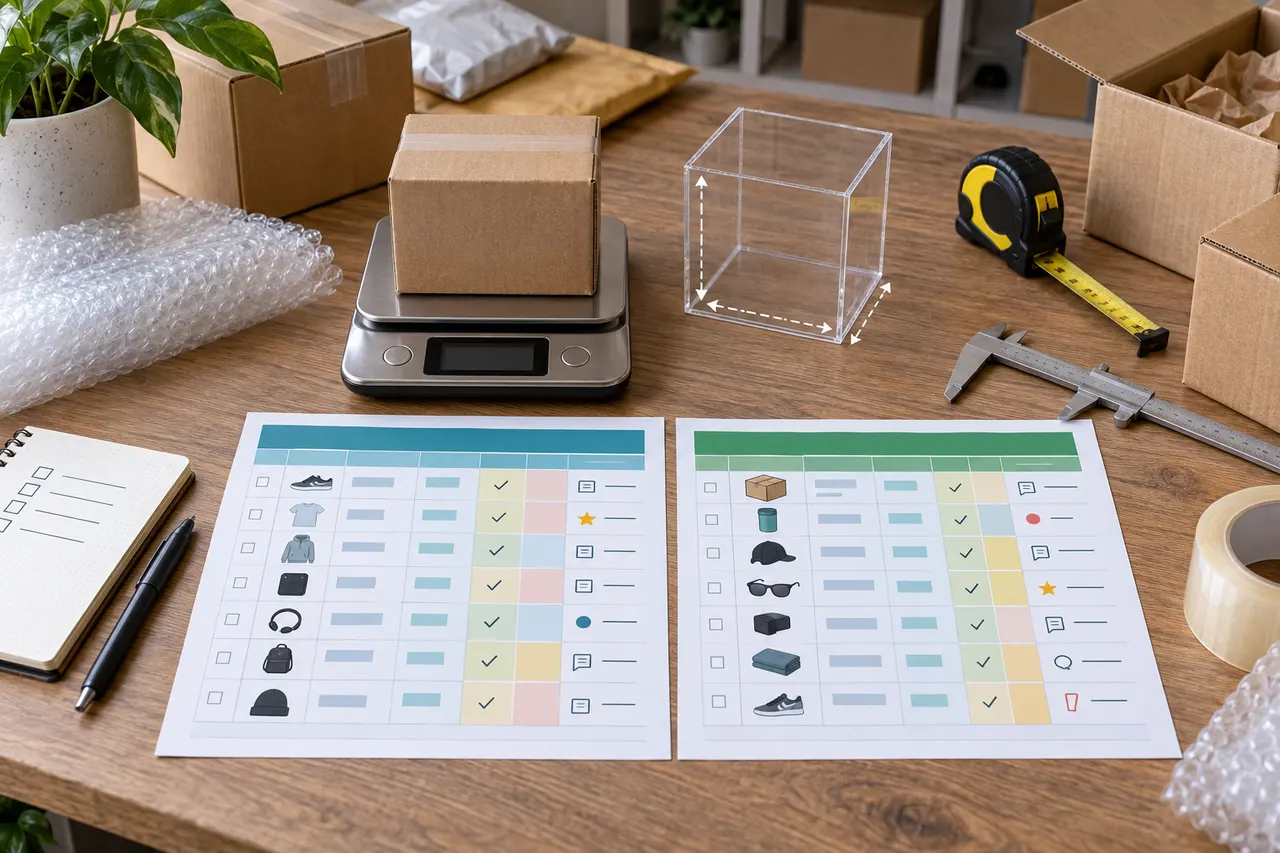
Caption: Organize shipping decisions with kakobuy item records and a Google Sheets tracking spreadsheet.
Clarify the Shipping Decision First
After placing an order on kakobuy, what really needs to be recorded isn't simply "which route is the cheapest." It's whether each item is suitable to ship together, whether it will trigger volumetric weight, whether there are route restrictions, and whether notes can be reviewed before submitting the package.
This article is for users who already use kakobuy as a shopping agent or plan to purchase multiple items from China, especially in mixed shopping scenarios like shoes, clothing, bags, beauty products, and electronic accessories. After reading, you should be able to create a reviewable shipping decision checklist: which items to combine, which to ship separately, and what information still needs to wait for QC or warehouse data 📦
I should also clarify when this doesn't apply: if you're only buying one lightweight item, or if you don't have any product links, specifications, weight estimates, or destination country information yet, making a complex spreadsheet isn't very useful. Shipping costs, routes, and customs fees are all subject to change. This information was verified as of September 8, 2026; before actually submitting a package, you should still rely on kakobuy's checkout page, warehouse weighing, and the route display for your destination country.
What Product Information Can Kakobuy's On-Site Spreadsheet Directly Retain
Kakobuy's value lies in integrating product purchasing, warehouse inspection, international shipping, and after-sales actions into one process. For shipping decisions, the on-site product records are generally better for saving information tightly linked to the order, such as product links, product names, colors and sizes, quantities, domestic shipping fees, warehousing status, QC inspection results, and available shipping routes.
According to the platform information provided, kakobuy is a service platform for purchasing Chinese goods, freight forwarding, and quality inspection. It helps overseas users buy products from Chinese e-commerce platforms and provides warehouse inspection, international shipping, and a certain period of storage services. Known information shows that regular items have a free storage period of 100 days, and abnormal packages have a period of 60 days. Within 120 hours after warehousing, you can apply for a 5-day no-reason return or exchange, but customized items, restricted items, adult products, intimate clothing, food, and items where you've already requested the warehouse to remove packaging, tags, or accessories may not be eligible.
This kind of information is best kept within kakobuy or at least treated with the on-site status as authoritative, because it affects whether you can still return or exchange, whether you can continue to wait for other items to combine shipping, and whether you need to handle exceptions before discussing shipping.
On-site records are suitable for keeping:
Original product links and order specifications
Purchase information like quantity, color, size, model
Warehousing status, QC images, and appearance inspection notes
Domestic shipping fees from the seller to the kakobuy warehouse
Whether the item is abnormal and whether it's still within the return/exchange window
Warehouse weighing, route availability, and final shipping cost estimates
It's important to note that kakobuy's inspection mainly checks appearance information such as style, quantity, color, size, and model. Sealed packages, items with sealing labels or strips that are not clothing, bags, or shoes are usually not opened; only the appearance and outer packaging information are checked. In other words, the on-site QC is not a guarantee of materials, durability, or authenticity. You cannot write "appearance is fine" as "quality has been tested."
What Custom Columns Are Suitable to Add in Google Sheets
Google Sheets is better for making a personal decision table across items, batches, and routes. It doesn't replace kakobuy's order status, but it can put the calculation logic and notes you care about in one place, especially when you have multiple items waiting to be combined for shipping 🧾
For example, you can extract the information for each item from kakobuy into Google Sheets and add custom columns: estimated weight, actual warehouse weight, dimensions, whether it's pressure-sensitive, whether it comes with a box, whether it's a beauty product or electronic item, route restrictions, whether you want to keep the original packaging, whether it's suitable for combined shipping, reason for splitting, final decision, and review date.
The advantage of Google Sheets isn't that it's more "official" but that it's more flexible. You can make your own decisions based on destination country, currency, exchange rate, and budget. The reference exchange rate in the provided materials is 1 USD to about 6.22 RMB; but exchange rates are highly volatile facts, so you should recheck before paying. Kakobuy shipping coupon information should also be confirmed in your account to see if it's still valid, if there are thresholds, and if it applies to your target route.
I suggest treating Google Sheets as the "decision layer" and the kakobuy on-site pages as the "execution layer." You can write your judgments in the spreadsheet, but final package submission, route selection, shipping payment, and after-sales requests should all be completed on kakobuy's actual pages.
Build Comparison Fields Based on Weight, Volume, and Route Notes
Shipping decisions require at least three variables: weight, volume, and route notes. Looking only at actual weight can miss volumetric weight; looking only at route prices can ignore restrictions; looking only at coupons can lead you to stuff items that shouldn't be combined into the same package.
You can create a minimal set of fields in a table:
Field | What to Record | Why It Affects Shipping Decisions |
|---|---|---|
Item ID | On-site order or custom ID | Easy to go back to kakobuy to verify the original item |
Item Category | Shoes, clothes, bags, beauty, electronic accessories, etc. | Different categories may have different route restrictions |
Estimated Weight | Rough estimate based on item type before ordering | Helps decide early whether it's worth combining |
Warehouse Actual Weight | Use kakobuy's displayed weight after warehousing | Core basis before paying shipping |
Dimensions | Fill in when warehouse or packaging info is visible | Determine if volumetric weight may apply |
Packaging Notes | Keep shoebox, remove packaging, fragile, pressure-resistant, etc. | Affects volume, protection level, and after-sales risk |
Route Notes | Available routes, prohibited items warnings, delivery timeframes | Avoid discovering an item can't be shipped when submitting the package |
Decision | Combine, split, wait, return/exchange | Forms an executable next step |
Kakobuy's provided fee structure is: total agent fee equals product cost plus international shipping fee plus customs fee. Product cost includes item price and mainland China shipping fees; international shipping fee is calculated based on item weight, shipping method, and region; customs fee is usually about 8 RMB, but depends on the shipping method.
This means Google Sheets should not only record "how much the item costs" but also "whether this item will make the whole box more expensive." For example, shoeboxes, rigid packaging, bag supports, and stacking multiple small items can make volume a more important variable. Combining shipments may reduce repeated base weight or handling costs, but it can also increase volumetric weight, package value, and the risk of loss or damage in a single shipment. Splitting shipments may increase fixed costs, but it can bypass route restrictions or reduce the risk of a single package.
Trade-offs Between Product Card Preview and Spreadsheet Row/Column Records
Kakobuy's product card preview is good for quickly confirming "is this the item I need to handle?" Images, title, specifications, and status are in one interface, making visual recognition efficient, especially for checking colors, sizes, quantities, and QC images.
Google Sheets' row/column records are good for horizontal comparison. It's not as intuitive as product cards, but it can compare 10, 20, or even more items on one screen: which ones have arrived, which haven't been QC'd, which might exceed the return window, and which need to wait for other items to ship together.
You can judge the trade-off as follows:
To check if a single item was bought wrong or has QC anomalies, kakobuy's product card is more suitable
To see how to combine a batch of items and control the budget, Google Sheets is more suitable
To view images, colors, and sizes, kakobuy's product and QC information is more suitable
To view total weight, volume, route, and note conflicts, Google Sheets is more suitable
Don't turn Google Sheets into a second order system. It only needs to store enough fields to support decisions, not copy every on-site status. Copying too much increases update costs and eventually leads to a disconnect where "the spreadsheet says it can ship, but the site actually can't" ⚠️
How to Avoid Disconnect Between QC, Specs, and Link Info with Shipping Notes
The most common problem is: the shipping spreadsheet is beautifully made, but QC anomalies, spec errors, or product link changes are not synced into it. When you're ready to submit the package, you realize a certain item should have been returned, or you wanted to keep the shoebox but the note says remove packaging.
The solution is to assign each item a "review status" instead of only filling in shipping fields. The review status should include at least: spec verified, QC viewed, return window confirmed, packaging requirement confirmed, route restriction confirmed.
In kakobuy's scenario, pay special attention to the 120-hour return window. If QC shows a mismatch in color, size, model, or quantity after warehousing, handle the after-sales issue first before deciding to combine. Items where you've already asked the warehouse to remove packaging, tags, or accessories may affect return eligibility, so don't just write these actions in chat logs; sync them to the packaging notes column in Google Sheets.
Link information should also be kept, but don't over-rely on it. Product pages may be taken down, change price, stock, or spec options. At least save the product title, key specs, order quantity, and kakobuy on-site ID in the spreadsheet, so even if the original link changes, you can still go back to the on-site order to verify.
Scenarios Suitable for Kakobuy vs Google Sheets
If you only occasionally buy one or two items, kakobuy's on-site information is usually enough. You only need to pay attention to whether it's warehoused, if QC is normal, if routes are available, and if shipping costs are acceptable. In that case, maintaining Google Sheets might cost more time than it saves.
If you buy multiple items at once, or often wait for items from different sellers to arrive within the 100-day free storage period, Google Sheets is very valuable. It can help you avoid forgetting an item's return window, submitting similar packages repeatedly, or putting items that don't suit the same route together.
Usage Scenario | Better for Kakobuy | Better for Google Sheets |
|---|---|---|
Ordering and shipping a single item | Yes | Not necessary |
Viewing QC images and warehousing status | Yes | Only record conclusions |
Comparing combined shipping for multiple items | Needed as data source | Yes |
Calculating different combining plans | Final confirmation on site | Yes |
Recording personal notes and review dates | Can write brief notes | Yes |
Submitting package and paying shipping | Yes | Not applicable |
For beauty and electronic products, pay extra attention to route notes. The provided materials show that kakobuy has a rich set of shipping routes, including dedicated lines for beauty and electronics, and cooperates with UPS, EMS, DHL, etc., and has some tax-free routes. But whether a specific item can go on a specific route still depends on the available routes when submitting the package; you cannot predict based solely on category.
Final Action: Make a Reviewable Shipping Decision Checklist
The final goal is not to make a complex spreadsheet, but to be able to answer four questions before shipping: why are these items being shipped together, how much is expected to be saved, what risks are added, and under what circumstances should they not be shipped this way ✅
You can follow this order:
On kakobuy, confirm whether items are warehoused, QC has been viewed, and anomalies have been handled.
Record item ID, category, specs, quantity, warehouse actual weight, packaging requirements, and route notes in Google Sheets.
Mark each item as combine, split, wait, or return/exchange; don't just write "pending."
For combined shipping plans, estimate possible savings from reduced repeated base weight or handling costs, and note risks of volumetric weight, package value, and route restrictions.
Before submitting the package, go back to kakobuy to check real-time routes, international shipping fees, customs fees, coupons, and destination country restrictions.
Before payment, write the final decision, verification date, and reasons for not using other options in the spreadsheet.
A reviewable note can be written like this:
"1 pair of shoes keep shoebox, 3 pieces of clothing compressible. First try combining; if volumetric weight is significantly higher than actual weight, ship shoes separately. QC viewed, sizes match. September 8, 2026, pending package page review for routes and fees."
Such a note is more reliable than "combine to save money" because it explains the source of savings, risk conditions, and next actions. For kakobuy users, the best spreadsheet isn't the one with the most fields, but the one that reduces misjudgment, oversights, and repeated decisions before submitting the package.
Agent Platform Shopping FAQ
1. What should I pay attention to when first starting with agent platforms like kakobuy to get off to a smooth start?
For first-time users doing Taobao agent shopping through kakobuy, the platform often provides a combination of shipping fee discounts specifically for new members. Additionally, it's recommended to browse kakobuy's step-by-step shopping tutorials for beginners.
Browse our latest products and find your next favorite item.